

Field Sync Copy field values between work items
Copy Field Values Between Work Items Automate real-time data synchronization between linked Jira issues, subtasks, and epics.




Available for Jira Data Center

Atlassian Marketplace Bug Bounty Program Participant
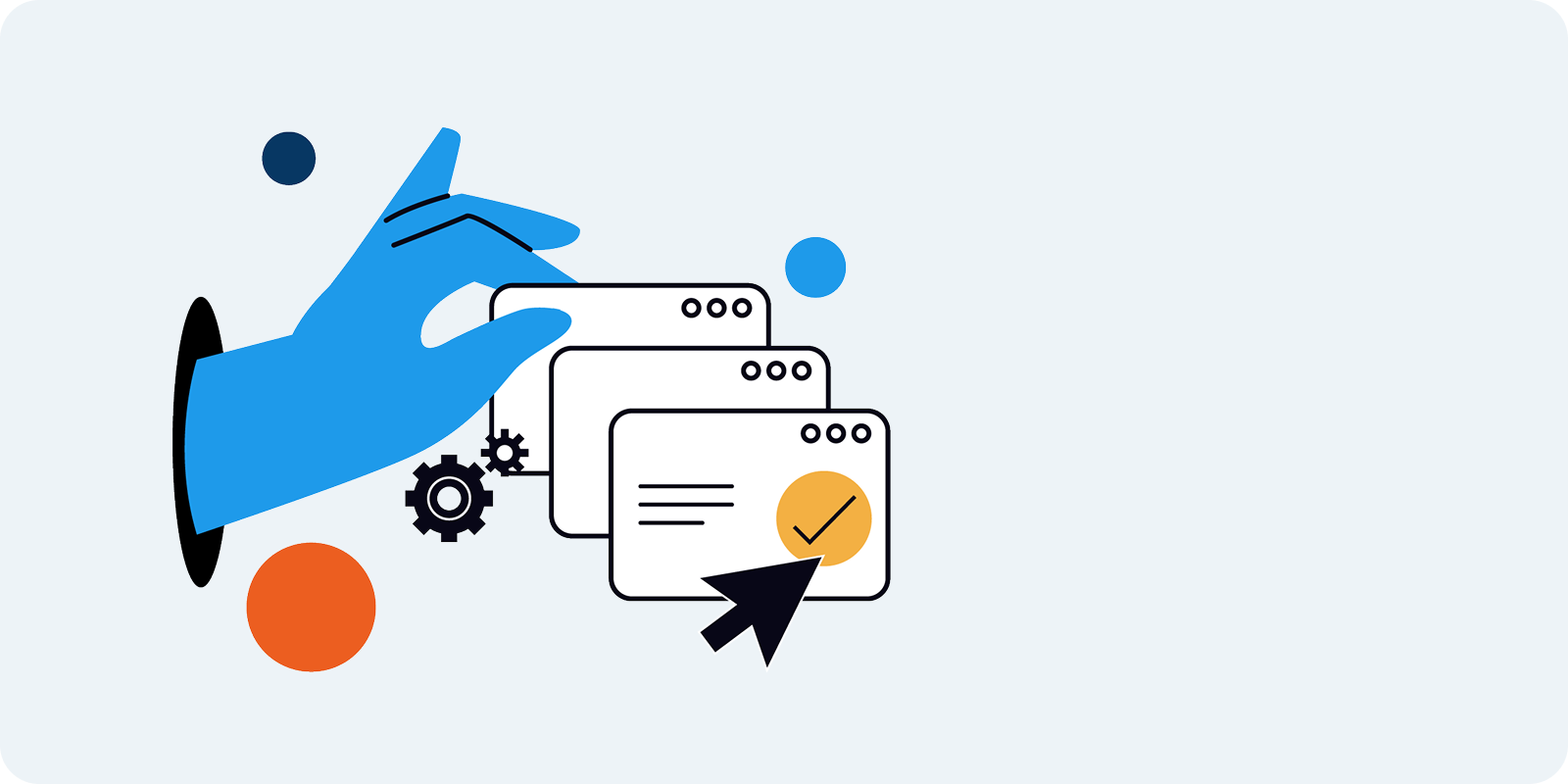
Sync Across Issue Hierarchy
Automatically propagate field values across your entire Jira hierarchy. Sync data between Parents and Sub-tasks, Epics and Stories, or Roadmaps parents and children. Ensure data consistency from high-level planning down to execution without manual entry.

Sync Linked Issues
Turn standard links into data connections. Automatically copy field values between any issues connected by Jira Issue Links. Keep related items in sync (e.g., Blockers, Duplicates) regardless of their project or issue type.

Precise JQL Configuration
Avoid "automation spam" with granular control. Use JQL (Jira Query Language) to define exactly which issues act as sources and which act as targets. Configure distinct listeners for different projects, issue types, and events to match your exact workflow.

Transitive Sync Chains
Use Transitive Syncs to create deep automation cascades. Configure the system so that one listener's update triggers another, allowing data to flow through complex chains of related issues automatically.

Bulk Sync Existing Data
Don't just fix the future; repair the past. Use the Sync Existing Issues tool to filter a group of Jira issues and trigger updates in bulk. Instantly align historical data with your new synchronization rules.

System & Custom Field Support
Comprehensive data coverage. Field Sync supports copying values for both System Fields (like Priority, Status, Assignee) and Custom Fields, ensuring your unique business data is always replicated accurately.


How to Search Cycle Time and Lead Time Using JQL
Search Cycle Time and Lead Time with JQL in Jira. Learn how Timepiece Custom Fields let you filter issues by duration to pinpoint workflow bottlenecks fast

Jira Practices: How We Configure Our Boards and Track Work at OBSS Apps
Stop over-complicating Jira. Discover how OBSS Apps configures Jira Kanban boards with simple workflows, participant tracking, and clean board setups.

From SLAs to XLAs in Jira: The Evolution of IT Service Delivery
Learn how to configure your SLA in Jira, elevate your Jira SLA reporting, and shift to outcome-driven XLAs to drastically improve IT service delivery.